01/03
Free Browser Tool
Open it in your browser and create without signup, installs, or hidden fees.
ExploreBrowser Avatar Studio / 150+ Choices
Build a Mii-style character right in your browser with flexible editing tools. No install, no login, just open the maker and start shaping your avatar.
Create Avatar NowCraft a custom Mii avatar online
Inside the Mii Maker
01 / Avatar Studio
Mii Maker is a free character-building workspace for creating personalized avatars with adjustable faces, hair, eyes, outfits, and accessories.
Open it in your browser and create without signup, installs, or hidden fees.
Explore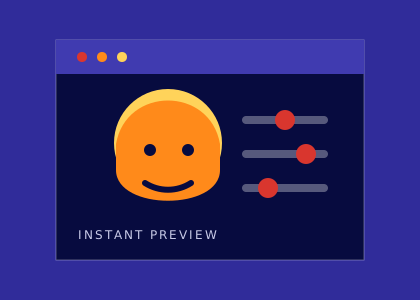
Jump into the editor immediately and see your changes as you make them.
Explore
Clear editing steps make avatar creation approachable for beginners and regular users.
ExploreCharacter Editing Toolkit
02 / Design Controls
Fine-tune your character with a broad set of visual controls built for expressive, personal avatar design.
Complete / Face Editor
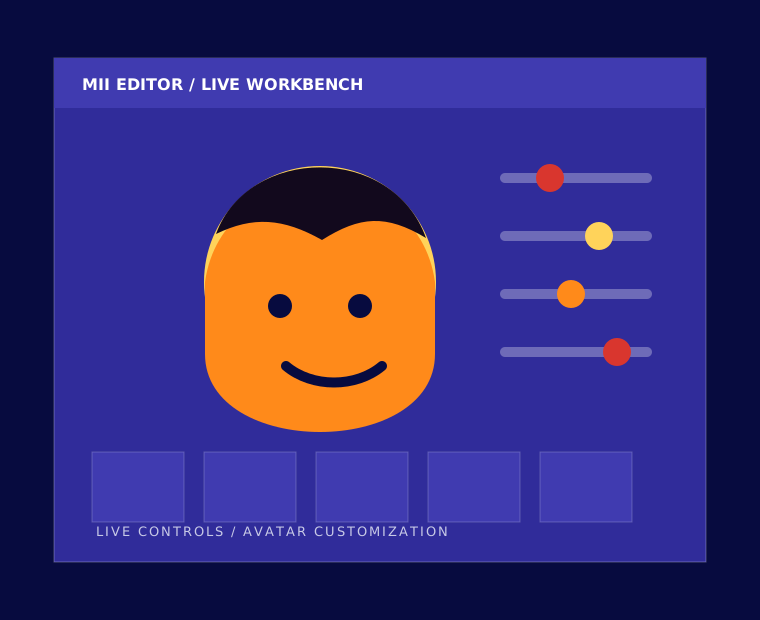
Shape your avatar's look with controls for facial structure, proportions, expressions, and style details. Every adjustment is designed to make the final character feel more personal.
Refine face shape, scale, and proportions with focused controls.
Try different cuts and colors until your Mii has the right personality.
Adjust shape, color, size, and brow styling for the expression you want.
Finish the character with outfits, hats, glasses, and small details.
Preview each change immediately while you continue editing.
Create on a desktop, tablet, or phone with the same core experience.
Why Use This Avatar Studio
03 / Platform Benefits
A focused avatar maker for game profiles, social channels, classroom projects, and creative character experiments.
Start designing without creating an account, installing software, or sharing personal details.
Save polished character images for profiles, games, classroom work, and creative projects.
Use the maker comfortably across desktop, tablet, and mobile browsing.
Avatar Build Workflow
04 / Workflow
A quick step-by-step path for turning a blank character into a finished avatar.
Choose the starting look, skin tone, and core face structure.
Tune eyes, nose, mouth, brows, and expression details.
Layer in hair, accessories, clothing, and color choices.
Download the finished avatar image and use it where you need it.
Quick Creation Guide
05 / Quick Guide
Begin with the basic body, complexion, and face shape choices.
Adjust eyes, eyebrows, nose, mouth, and facial hair details.
Choose hair, color accents, glasses, hats, and accessories.
Review the character and save the final image for later use.
Creator Feedback
06 / Creator Notes
Players, educators, and content creators use the maker when they need avatars quickly.
"This is the kind of free Mii tool I was looking for. It loads fast, works in the browser, and skips the account step."
"I use it for student art activities because the setup is simple, the tool is free, and students enjoy making their own characters."
"The finished avatars look clean, and I can reuse them across my social profiles and channel artwork."
Common Questions
07 / Answers
Yes. The maker is free to use and does not require subscriptions, paid upgrades, or hidden fees.
No. You can open the editor and begin creating without registering or sharing account details.
Yes. Once your Mii is complete, you can save the finished character image for later use.
Yes. The page is responsive and supports mobile, tablet, laptop, and desktop browsing.
You can choose from more than 150 options across facial features, hair, clothing, accessories, and style details.
You can use your created characters for personal projects and most everyday creative purposes.
08 / Launch
Open the maker, experiment with the options, and turn your character idea into a polished avatar. No registration required — begin whenever you are ready.
Create Avatar Now